One screen for every room in the building.
28 widgets, one editor and any screen on the wall. Here is what offices, homes, schools, care homes and cafés put on theirs. Every screen below is playing the real widgets.
A sign at every meeting-room door.
The meeting-rooms widget reads the room's own calendar, from Microsoft 365, Google Workspace, CalDAV or an iCal link, and says free or busy from across the corridor.
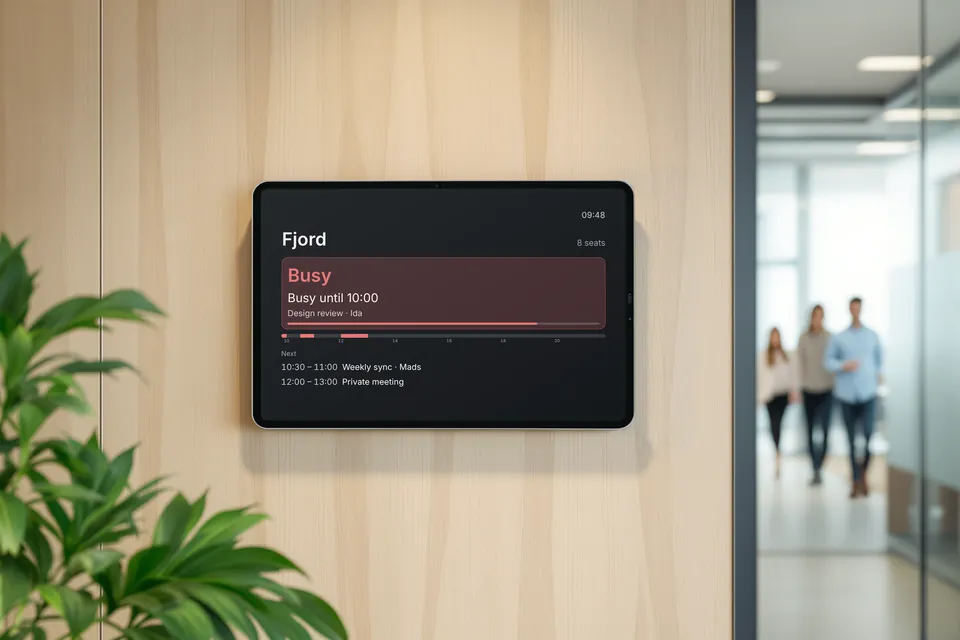
On a Raspberry Pi with a touchscreen, people book, extend and end meetings at the door. A tablet shows the sign through a web link. Meeting rooms are on Pro.
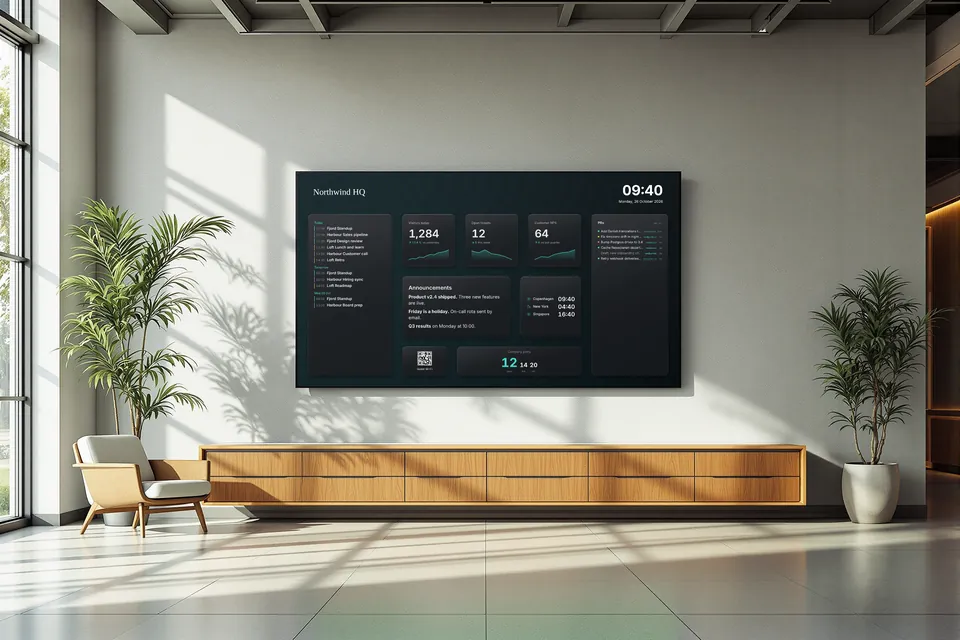
Everything about room signsThe lobby screen that knows what is going on.
Today's meetings in every room, the numbers the team cares about, and the notices people would otherwise miss in their inbox.
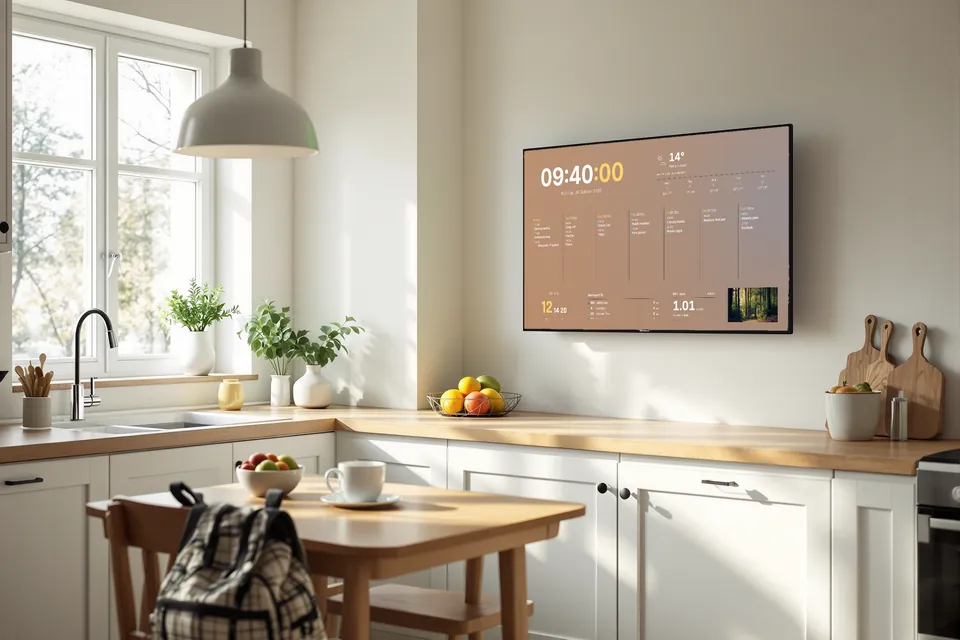
The family's week, where everyone has breakfast.
Everyone's calendar in one place, the weather before the school run, the next bus, and the cheapest hours to run the dishwasher.
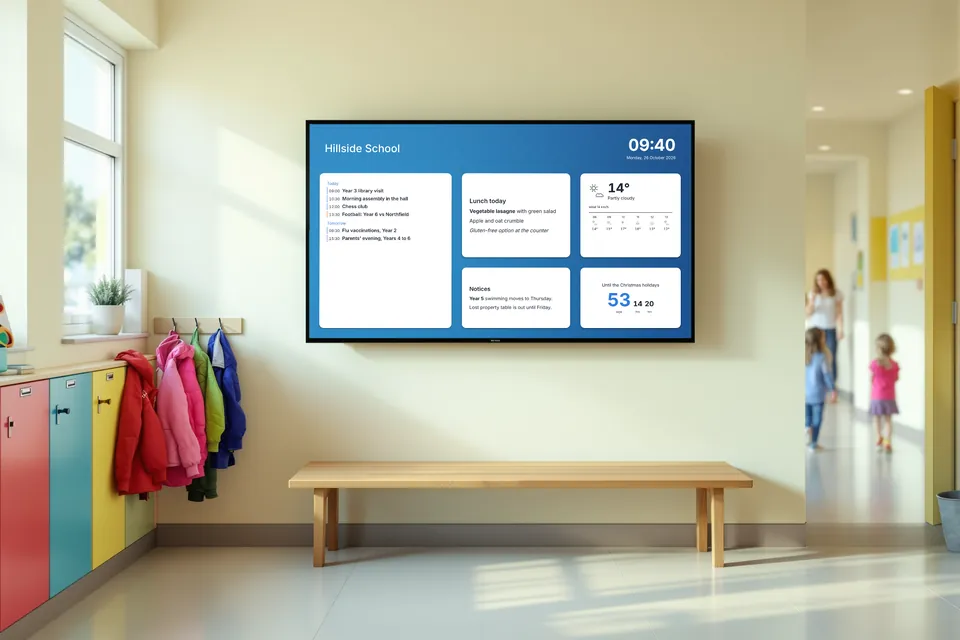
The hallway screen everyone walks past.
Today's timetable changes, the lunch menu and the notices that used to be pinned to a board, kept current from the staff room.
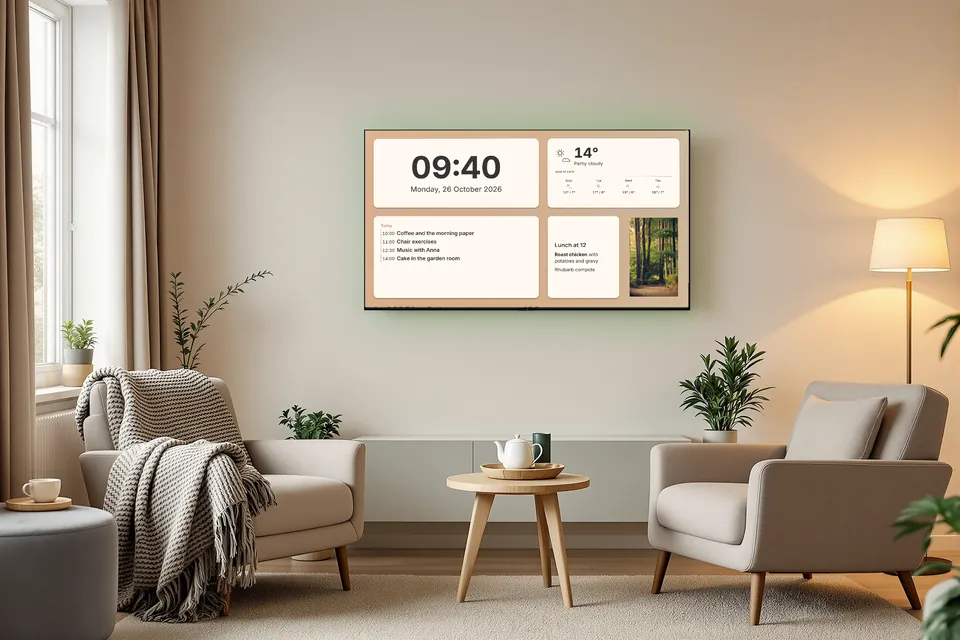
What day it is, and what is on today.
Large, calm and easy to read from an armchair: the time, the day and the date, the weather outside, today's activities and what is for lunch.
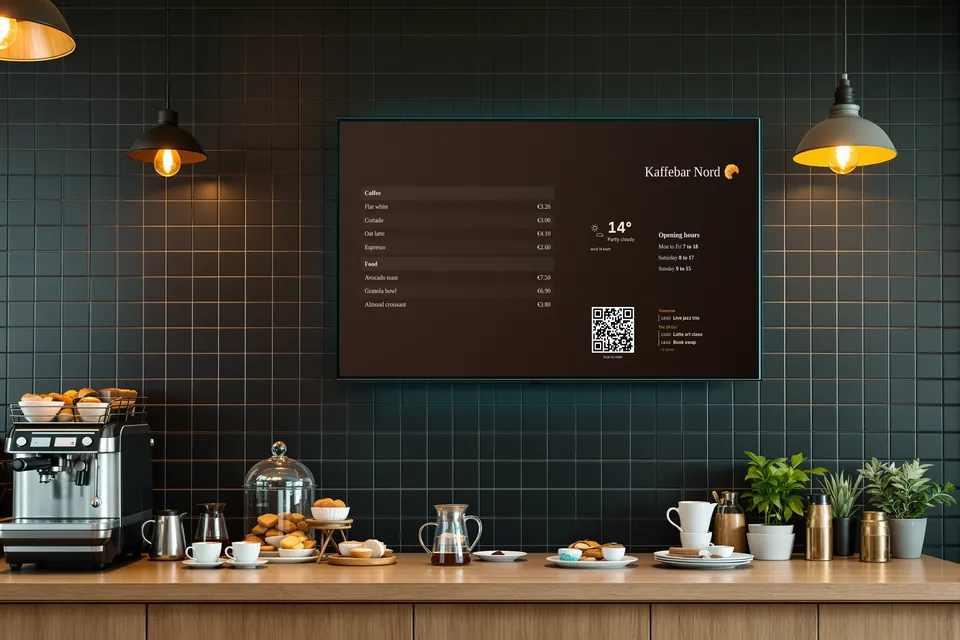
A menu board you change from your phone.
Prices, opening hours and tonight's events on the screen above the counter, without a designer or a USB stick.
The team wall that shows what is on fire.
Service status, who is on call, the merge queue and the numbers that matter, on the screen at the end of the room.
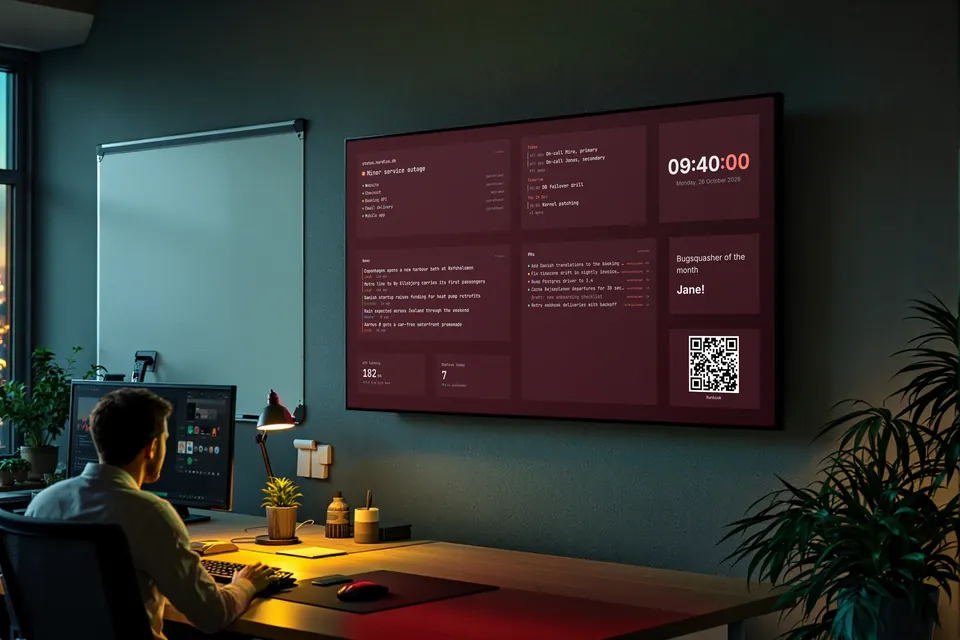
The rooms are generated pictures. What is on the screens is Panoptik itself, playing live.
What every screen can do, whatever room it is in.
Messages from your phone
Write a line on your phone and it appears on the screens you choose for one minute to an hour.
Several dashboards per screen
A display can rotate through dashboards, so one screen serves the morning and the afternoon.
Quiet hours and dimming
Screens dim in the evening and switch off at night on their own schedule.
A chime before it starts
A calendar can play a sound on a display a few minutes before an event.
Push your own data
Send JSON to a webhook from a script or an automation, and a tile shows it.
One place for every screen
See which displays are online, reload or reboot them, and get an email when one goes dark.
Every widget, by what it is for.
Pick a category to see what it holds. Each one has its own sizes, colours and settings in the editor.
Which room is yours?
Start from a template or a blank wall. 14 days free, no card needed.